Mon – Sat: 9:00 AM – 7:00 PM IST

AI-Powered Mobile App Development

Which AI belongs on the phone, which belongs on a server, and which does not belong in the product at all.

Adding AI to a mobile app is three separate engineering decisions wearing one word: where inference runs, what data leaves the device, and what happens when the model is wrong. Get those right and a feature feels like magic. Get them wrong and you ship a slow, expensive wrapper that leaks data.

Free Proof of Concept Your data is not used to train anybody’s model Model changes without a store release
The three decisions

Where inference runs, what leaves the device, what happens when it is wrong

“AI-powered” is not one engineering decision. It is three, and they are usually made separately by different people at different times, which is how products end up slow, expensive or quietly leaking data. Settle all three before a line of code is written and the rest of the work is ordinary software engineering.

  • Where does inference run? On the device, on your own server, or through a provider’s API — each with a different ceiling on capability
  • What leaves the device? Raw data, a redacted subset, or only an embedding — and under what contractual terms
  • What happens when it is wrong? Because it will be. The answer cannot be “the user will notice”
  • What does it cost per use? Cloud inference scales with adoption, which means success has a bill attached
  • How do you change it? Prompts and thresholds in remote configuration, never compiled into a release

An AI feature you cannot adjust without a store release is one you cannot fix for a week.

What is real

Features that work on a phone today

Grouped by where they run, because that is the decision that constrains everything else.

Scan and extract, on-device

Invoices, prescriptions, identity documents, meter readings, barcodes. Optical character recognition plus a small extraction model turns a photograph into structured fields in under a second, offline, with nothing leaving the handset.

Classify and detect, on-device

Damage assessment from a delivery photo, product recognition on a shelf, defect spotting on a line, face matching for attendance. Fast, private, and free of per-call cost.

Speech, either side

Dictation for field notes and voice commands for hands-busy work. On-device for privacy and offline use; cloud when you need accuracy across heavy accents and technical vocabulary.

Ask your own data, cloud

A natural-language question answered from your records rather than the model’s memory. Retrieval first, generation second, citation always. This is where most genuine business value sits.

Summarise and draft, cloud

Visit notes into a report, a thread into a summary, a form into a first draft. Useful precisely because a human reviews the output before it matters.

Predict from your history, your server

Demand, churn, delivery delay, next best action. Not a language model at all — ordinary machine learning on your own data, which is cheaper, faster and more defensible than it sounds.

Trade-offs

On-device against cloud, honestly

Latency

On-device inference answers in tens of milliseconds. A cloud round trip is hundreds at best and seconds on a weak connection. For anything in a tight interaction loop — a camera viewfinder, a typing assist — the device wins and it is not close.

Privacy

Data that never leaves the handset cannot be intercepted, retained or subpoenaed. For health, identity and financial workflows this frequently decides the architecture on its own, regardless of what the cloud model could do better.

Cost

On-device is free per call after the build. Cloud is priced per token, so a popular feature has a bill that grows with its popularity. Model it at ten times your expected volume before committing.

Capability

This is where cloud wins decisively. Reasoning over long context, nuanced language, and anything genuinely open-ended needs a frontier model. Small on-device models are excellent at narrow, well-defined tasks and poor at open ones.

Device reality

An on-device model occupies storage, warms the handset and runs slower on the four-year-old phone half your users carry. Test on the floor of your device matrix, not the ceiling.

Safety

Four rules we build to

These are not policy statements. They are implementation constraints that change the code.

Treat every external input as untrusted

Text from a user, text extracted from a scanned document, a record pulled from a database, content fetched from a link — any of it can contain instructions aimed at your model. Prompt injection is not hypothetical, and the defence is architectural: the model never sees privileged instructions in the same channel as untrusted content.

The model proposes, code decides

No model output triggers a consequential action directly. It drafts the message, fills the form, suggests the classification — and your validation logic and your user stand between that and anything irreversible.

Ground answers and cite them

Answer from retrieved records, show which record the answer came from, and make it tappable. A user who can check one answer trusts the next ten. A user who catches one fabrication stops trusting all of them.

Design the refusal

The most important response an AI feature gives is the one where it declines. “I could not find that in your records” is a feature. A confident, plausible, wrong answer is a liability, and in a regulated workflow it is a reportable one.

Operating it

An AI feature is a thing you run, not a thing you ship

Remote configuration from day onePrompts, model choice, temperature and confidence thresholds live in configuration you can change in minutes, not in a binary that takes a week to get through review.
Shadow mode before launchRun the feature silently against real traffic and compare its output with what people actually did. You will learn more in a fortnight of this than in any amount of test-set evaluation.
Watch cost and latency per featureNot per application. One expensive feature hiding inside an average is how AI budgets get out of control quietly.
Collect correction, not just ratingA thumbs-down tells you something was wrong. The user’s correction tells you what right looked like, and that is what improves the next version.
Keep a way to turn it offA feature flag that disables the AI path and falls back to the ordinary one. Models change under you; so do provider outages.
In practice

Where an AI feature would actually sit

Screens from two shipped apps, annotated with the AI feature each one is a natural home for — and, in a couple of cases, why it belongs on the device rather than in the cloud. Tap any image to enlarge it.
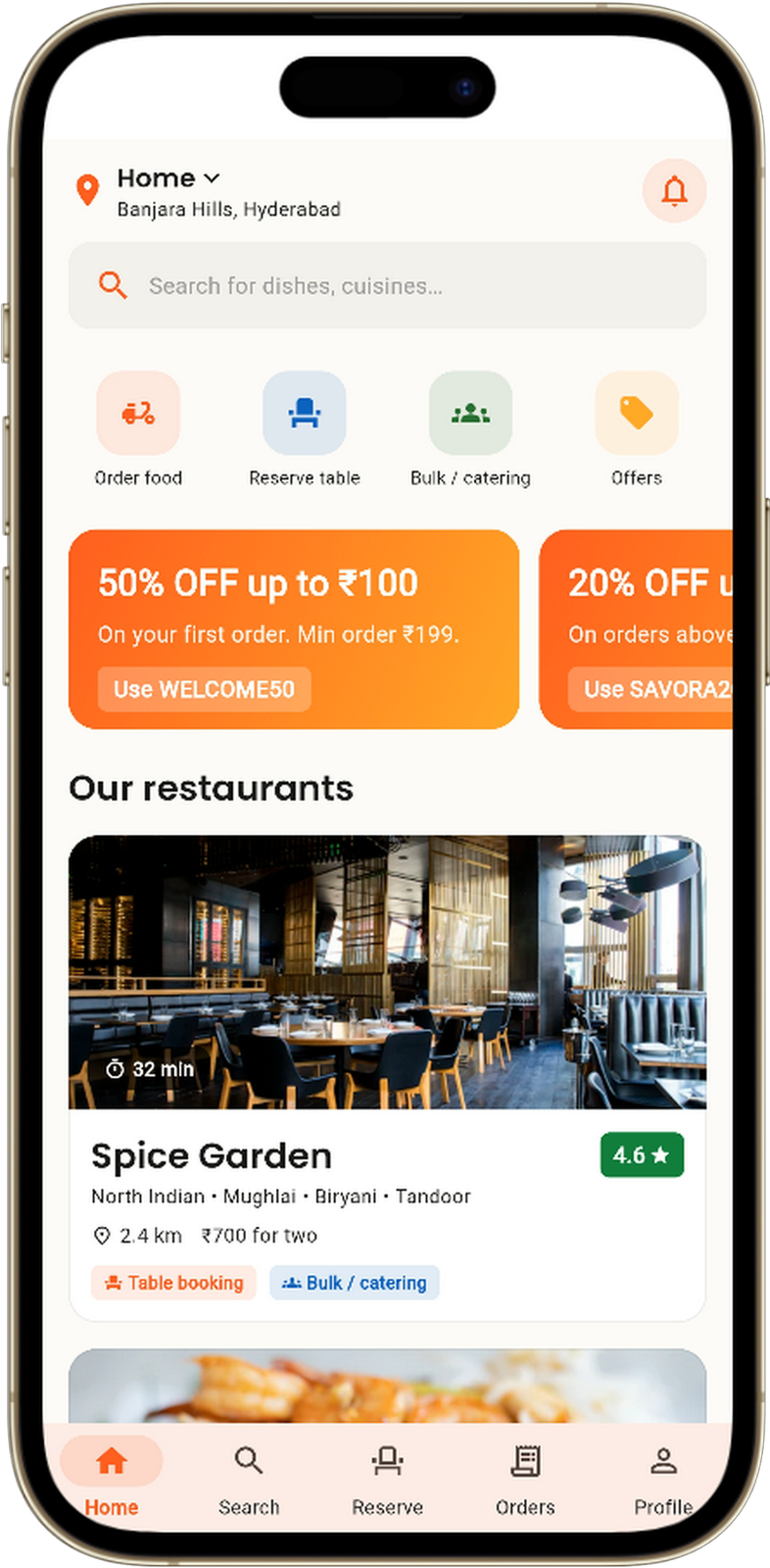
Food ordering app home screen with personalised recommendations
Ranking the home screenOrdinary machine learning on your own order history, not a language model. Cheaper, faster and far easier to explain to a customer who asks why they were shown something.
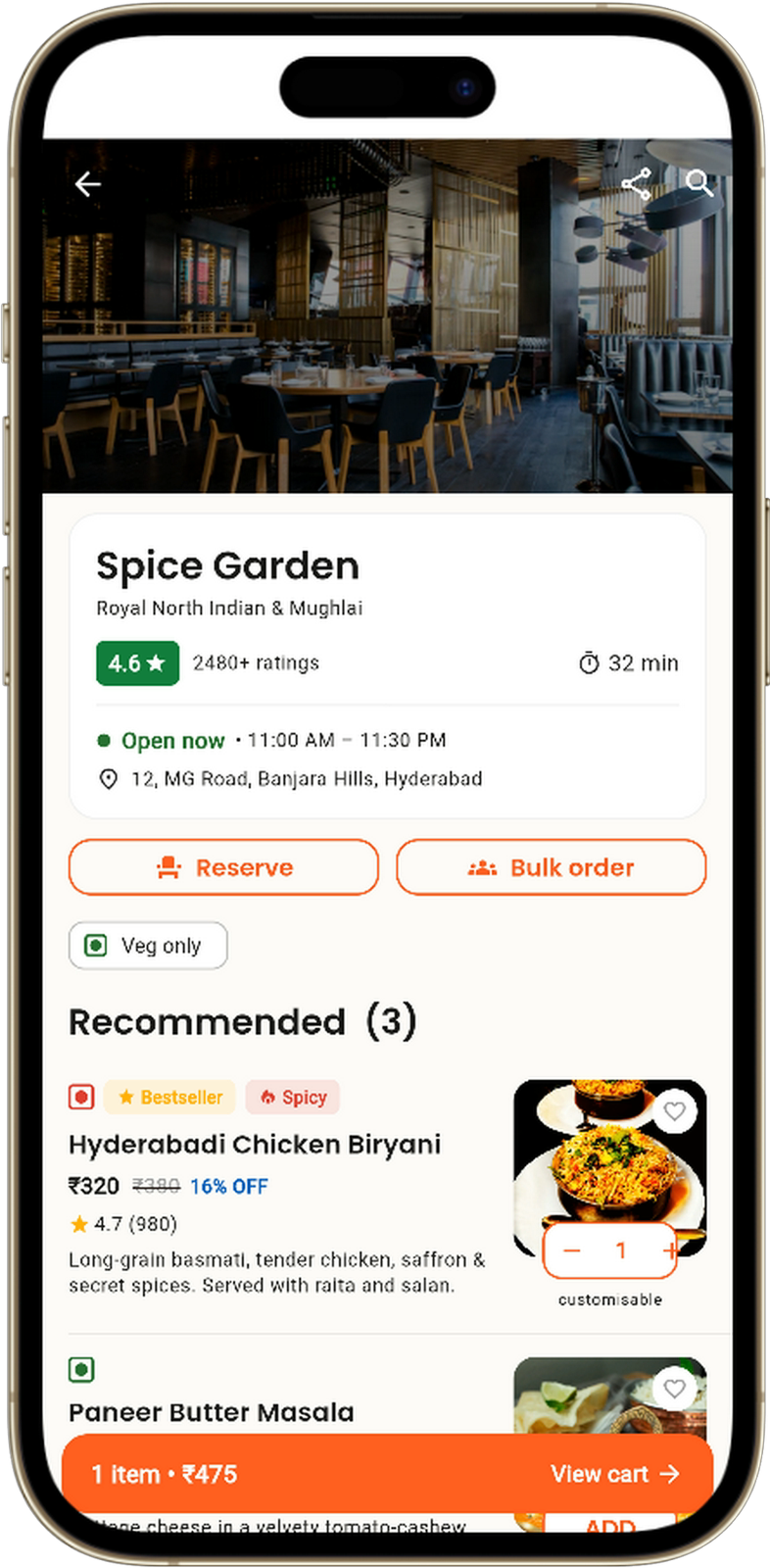
Restaurant menu screen with search across categories
Search that understands the questionEmbeddings let ‘something light and not spicy’ match a menu written in a different vocabulary. Generated on-device, matched on-device, no round trip.
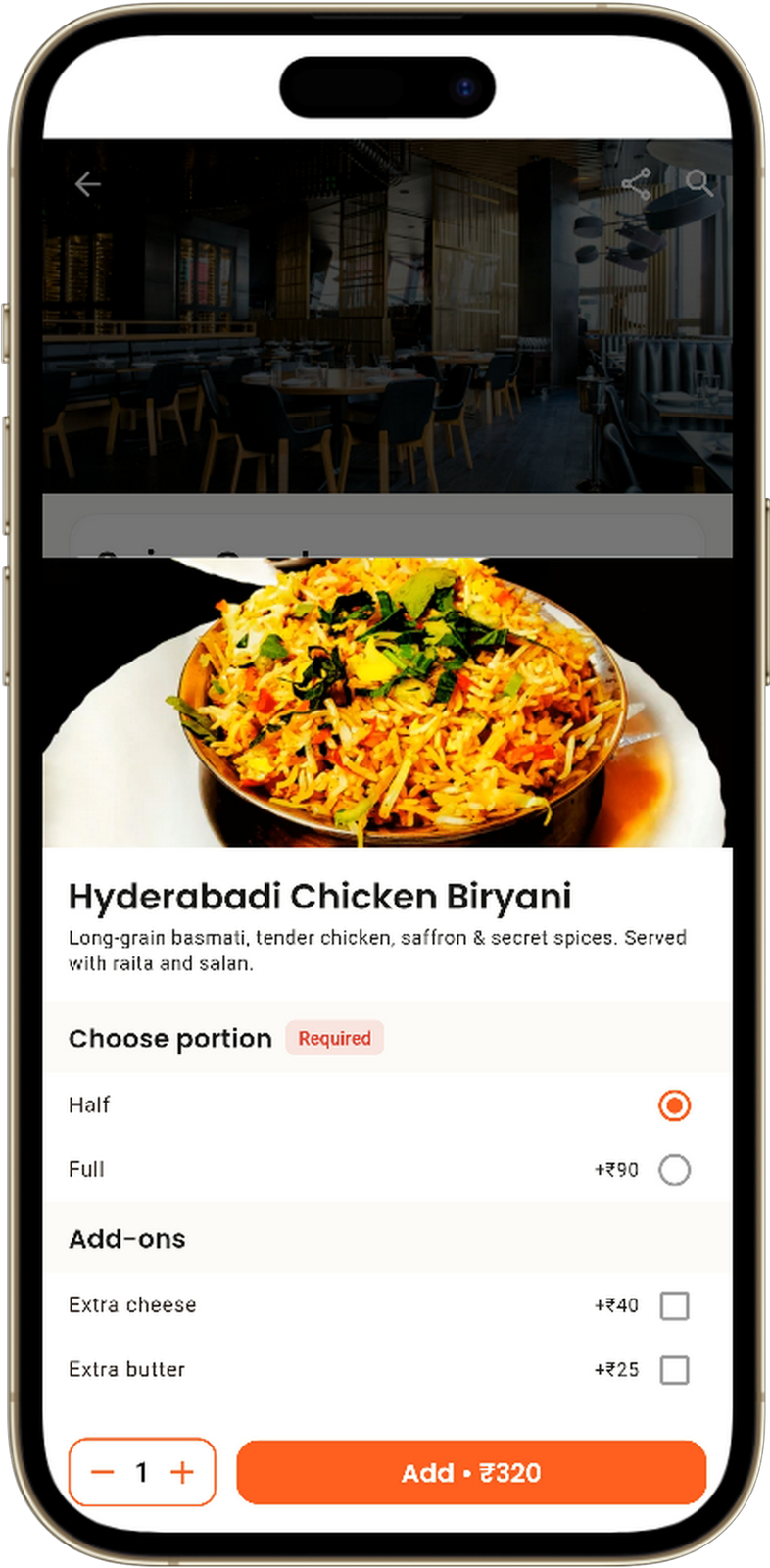
Item customisation screen where options are confirmed by the user
Suggesting, never decidingA model can propose the usual modifications. It must not apply them — the customer confirms, because an unwanted ingredient is an allergy question, not a convenience one.
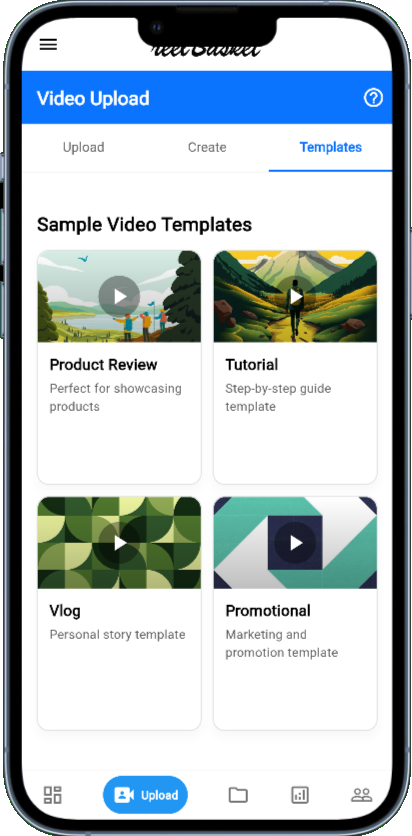
Upload screen where an image is captured and tagged
On-device vision at the point of captureProduct detection, cropping and tagging run as the photograph is taken. Instant, free per use, and nothing leaves the handset before the user has decided to post.
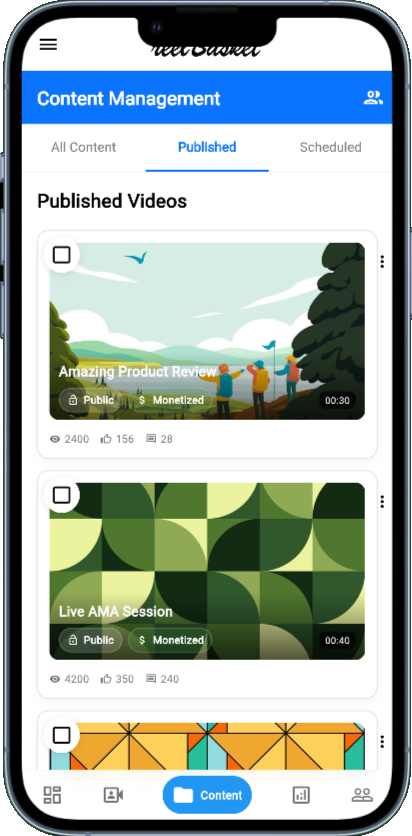
Content screen listing posts with their descriptions
Drafting the descriptionA cloud model writes a first draft from the detected product and the seller edits it. The human in the loop is what makes the feature safe to ship.
Video feed screen in a social commerce app
Moderation before publicationClassification on the way in, flagging for review rather than blocking. The model proposes; a person decides anything consequential.
Questions

Frequently asked questions about AI-powered mobile app development

More than most people expect. Text classification, named-entity extraction, optical character recognition, barcode and document scanning, image classification, face and object detection, speech-to-text, translation and embedding generation all run comfortably on a mid-range handset from the last four years. What does not run on a device is a large general-purpose language model - the small ones that do fit are capable, but they are not the model people imagine.
Three questions settle it. Does the data have to stay on the device? Then on-device, and accept the capability ceiling. Does it need to work without a network? Same answer. Does it need frontier-model reasoning over a lot of context? Then cloud, and design for latency and cost. Most real products end up doing both, with on-device handling the common case.
Cloud inference is priced per token or per request, which means your running cost scales with success. Model it before you build: a feature that costs a rupee per use is fine at a thousand uses a day and alarming at a million. On-device inference costs nothing per call, which is often the deciding factor for a high-volume feature.
Not if the contract says so, and you should check rather than assume. The major providers offer enterprise terms that exclude your inputs from training, with retention windows you can configure. If you are handling health, financial or personal data, this needs to be in writing before a single request leaves the device.
Yes, and you should design for it from the start. Keep prompts, model selection and thresholds in remote configuration rather than compiled into the binary. Store review takes days; a model that is behaving badly needs to be fixable in minutes.
Treat anything that reaches the model from outside your system as untrusted - user input, scanned documents, retrieved records, web content. Never let model output trigger a consequential action on its own. The model proposes; your code validates and the user confirms. This is the single most common security gap in AI features shipped quickly.
Ground it. Answer from your own records rather than the model's memory, cite the record the answer came from, and make the citation tappable so the user can check. Then design the failure case properly: an AI feature that says 'I could not find that' is trustworthy, and one that invents a plausible answer poisons the whole app.
Keep reading

Where to read next

Choosing an app development company

Ownership, accounts, handover and the questions that separate proposals.

Offline mobile app development

Why on-device inference and offline-first architecture tend to arrive together.

Cross-platform app development

How native AI runtimes are reached from a shared codebase, and when that becomes the constraint.

AI inside the ERP

The same conversation-layer idea applied to the business systems behind the app.

Tell Us the Task, Not the Technology

Describe what you want the app to work out on its own. We will tell you whether it runs on the phone, and prove it free.